Setup Guides
MAG Box vs Android TV Box: Which Fits a US Household?
Compare MAG and Android TV boxes by portal support, app flexibility, remote experience, networking, maintenance, and total ownership cost.
By Marcus Reid · Published · Updated · 4 min read
Two Different Hardware Strategies
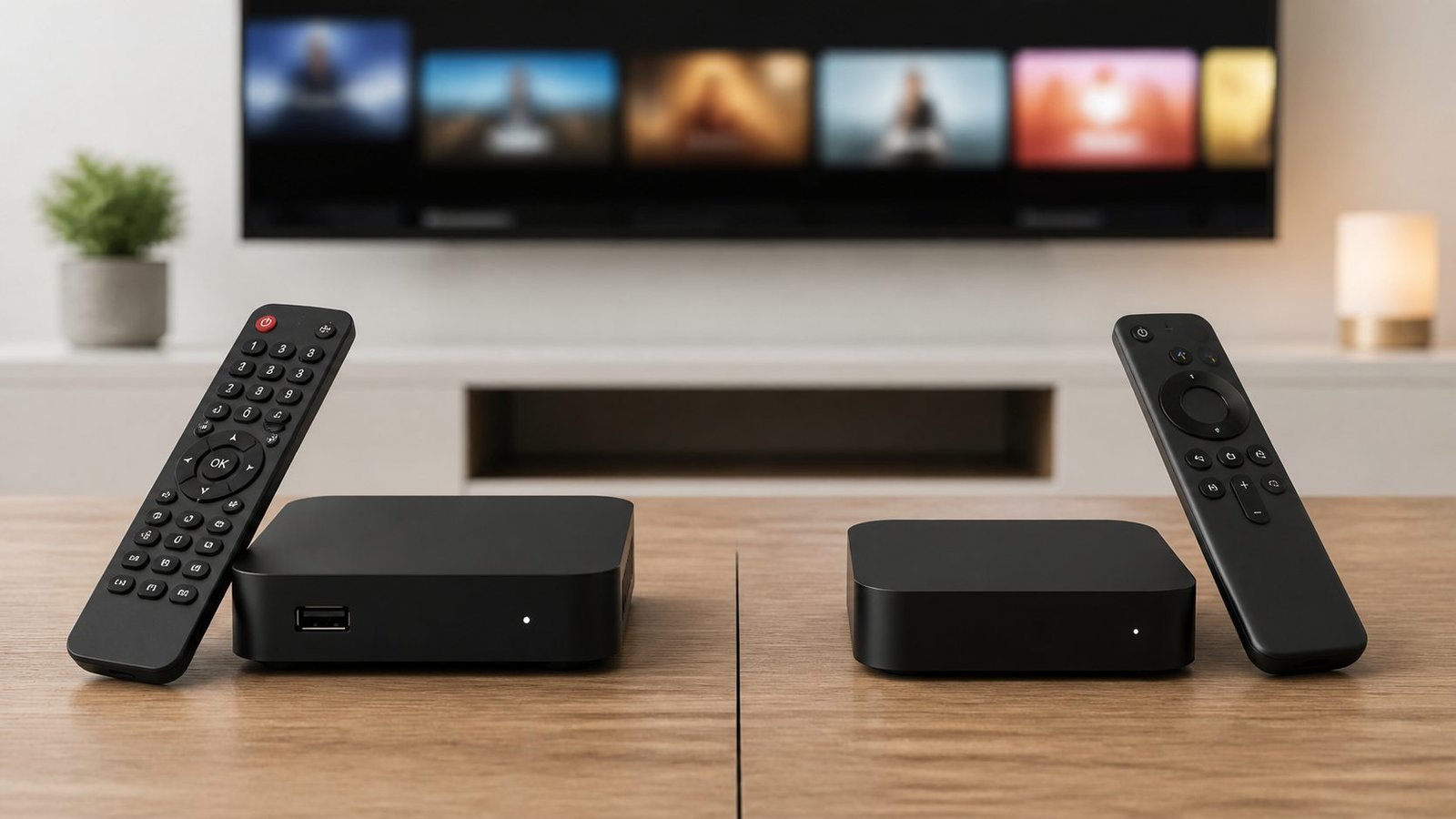
A MAG-style box is built around a television portal workflow. An Android TV box is an app platform that can support different players and mainstream streaming apps. The correct choice starts with the login method and the household's daily routine, not a headline specification.
What to Confirm Before Buying
- The exact portal, playlist, or account-login format supplied by the service.
- The television's HDMI, resolution, audio, and network requirements.
- Official availability of every app the household expects to use.
- The return policy and who will maintain updates and settings.
Readers committed to a portal can continue with the MAG setup walkthrough. Readers who want a broader app platform should compare the Android TV setup guide.
Quick Checklist: MAG box versus Android TV box selection
This guide is designed to help you select hardware from the login method, household apps, remote experience, maintenance needs, and total cost. Use this table before changing a working setup.
| Check | What to review |
|---|---|
| Understand the Two Device Categories | portal-first MAG workflow, app-based Android TV workflow, service login compatibility |
| Compare Setup and Daily Navigation | first-time configuration, remote and guide behavior, family learning curve |
| Review App and Entertainment Flexibility | single-purpose viewing, mainstream streaming apps, player choice |
| Measure Hardware and Playback Fit | display resolution, codec and audio needs, television connections |
| Compare Updates and Maintenance | firmware lifecycle, app updates, backup and recovery |
| Plan the Home-Network Connection | built-in Ethernet, Wi-Fi placement, router distance |
Frequently Asked Questions
Is a MAG box better than an Android TV box?
Neither category wins for everyone. MAG hardware suits a supported portal workflow, while Android TV usually provides broader app and player choice.
Can an Android TV box use a MAG-style portal?
Compatible emulator apps may reproduce that workflow, but confirm the service supports it and assess the extra configuration and maintenance involved.
Can a MAG box run regular streaming apps?
Capabilities vary by model and firmware, but a portal-first box should not be assumed to replace a broad consumer app platform.
Which option is easier for an older viewer?
The easier option is the one with fewer daily steps, a comfortable remote, stable favorites, and a guide the viewer can navigate during a hands-on test.
Which box is better for multiple services?
An app-based device usually offers more flexibility, subject to official app availability. Verify each required app on the exact model before purchase.
Does Ethernet matter when choosing a box?
A built-in Ethernet port simplifies a stable main-TV connection. Wi-Fi can work, but signal quality and router placement should be tested in the actual room.
Should price decide the hardware choice?
Use total ownership cost: hardware, accessories, optional app licenses, setup time, update support, and likely replacement period.
What should I confirm before ordering either device?
Confirm the service login format, display and audio needs, official app availability, network connection, return policy, and who will maintain the setup.
Related IPTV Guides
Continue with the guide that matches your next setup or buying decision:
#MAG box vs Android TV #IPTV box USA #MAG box comparison #Android TV box #streaming hardware
Related IPTV Guides
- MAG Box Network & EPG Optimization Guide for US Homes — Improve MAG box network stability and diagnose slow, missing, or incorrect EPG data using controlled Ethernet, Wi-Fi, timing, and playback tests.
- IPTV Setup on Firestick 2026: Safe Step-by-Step Guide — A complete Fire TV IPTV setup walkthrough covering verified player installation, private account entry, EPG configuration, remote controls, network testing, and troubleshooting.
- IPTV Smart TV Setup Guide 2026: Samsung, LG & Google TV — Identify your Smart TV platform, install a compatible verified player, enter authorized account details privately, configure the guide, and solve common playback problems.