Setup Guides
IPTV Setup on Firestick 2026: Safe Step-by-Step Guide
A complete Fire TV IPTV setup walkthrough covering verified player installation, private account entry, EPG configuration, remote controls, network testing, and troubleshooting.
By Marcus Reid · Published · Updated · 6 min read
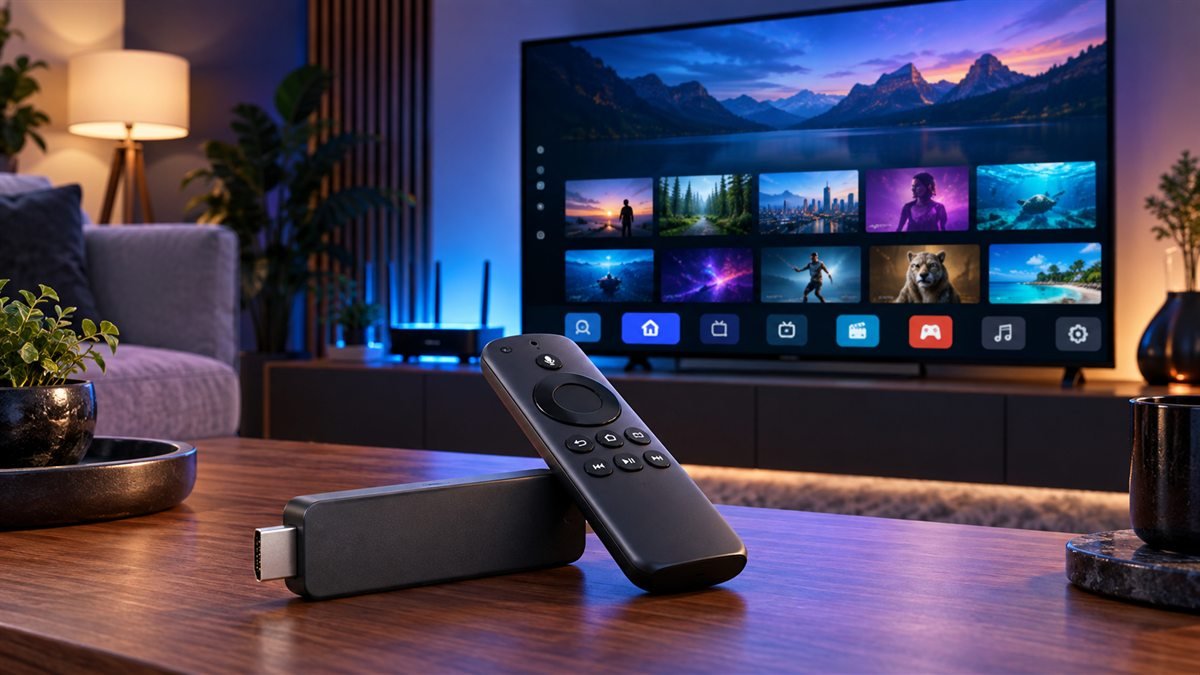
Setting up IPTV on a Fire TV Stick begins with three checks: the television service must be authorized for your location, the supplied login format must match the player, and the exact Fire TV model must have enough storage and network stability. A player app provides the interface; it does not include channels or content rights.
Prepare the Fire TV Device
Open Fire TV settings, install current system updates, confirm the date and time zone, and restart the device. Check free storage before adding another app. Older models can work for basic playback, but available memory, codec support, Wi-Fi capability, and operating-system support vary by generation.
Write down whether the service supplies an M3U URL, Xtream-style server credentials, or another supported account format. Do not post those details in a forum or screenshot. The Fire TV compatibility checklist helps identify device-specific requirements.
Choose and Install a Verified IPTV Player
| Check | What to confirm | Why it matters |
|---|---|---|
| Publisher | Developer name and official support domain | Avoids look-alike applications |
| Login support | M3U, account credentials, or documented portal format | Must match the supplied access method |
| Fire TV support | Current model and Fire OS version | Availability differs by device and region |
| Features | EPG, captions, audio, favorites, and controls | Confirms household usability |
Start in the Amazon Appstore. Compare the publisher and current documentation before installing. If the identified developer documents another installation route, verify the source domain and package identity; do not use an anonymous download code. Compare player choices in the Firestick buyer guide.
Add the Authorized Account Privately
Open the player and select the login method that exactly matches the service instructions. Enter the complete server address, username, password, or authorized playlist URL without extra spaces. Use a profile name that does not reveal credentials, then allow the first synchronization to finish.
For an M3U workflow, follow the M3U setup guide. For a server, username, and password workflow, use the account-login guide. Treat every URL, QR code, device key, and account identifier like a password.
Configure the Guide, Playback and Remote
Confirm the device time zone before changing an EPG offset. Create a small favorites group and test several authorized items, captions, audio tracks, aspect ratio, and remote navigation. Leave decoder and buffer settings at their defaults until a repeatable problem appears.
Test the main viewing room during normal busy hours. Ethernet through a compatible adapter creates a useful reference; otherwise compare Wi-Fi bands and router placement. The Wi-Fi versus Ethernet guide explains a controlled comparison.
Fix Common Firestick IPTV Problems
For a rejected login, verify the login type, capitalization, protocol, account status, and server address. For an empty guide, separate EPG refresh problems from video playback. For black video or missing sound, test another authorized item and change one playback option at a time.
If the app closes or becomes slow, restart before clearing data, check available storage, and record the working configuration. Use the IPTV troubleshooting center or the focused buffering guide rather than reinstalling everything immediately.
Frequently Asked Questions
Does a Firestick IPTV player include channels?
No. A player organizes media supplied by an authorized service or source. The app and television subscription are separate products.
Should I enable unknown-app installation?
Prefer the official app store. Use another route only when the verified developer documents it for the exact Fire TV device and you understand the security implications.
Why does the login work on one device but not Firestick?
Check the selected login type, app version, device time, connection allowance, and whether another screen is already using the account.
Why is the program guide empty?
Confirm the time zone, guide source, last refresh, and account mapping. EPG data and live video can fail independently.
Is Ethernet required?
No, but it removes wireless interference from the diagnosis. Stable Wi-Fi can work when coverage and household congestion are suitable.
What should I hide in support screenshots?
Redact usernames, passwords, playlist URLs, server addresses containing account data, QR codes, device keys, and payment information.
#iptv firestick setup #best iptv for firestick #firestick iptv #TiviMate #2026
Related IPTV Guides
- IPTV Smart TV Setup Guide 2026: Samsung, LG & Google TV — Identify your Smart TV platform, install a compatible verified player, enter authorized account details privately, configure the guide, and solve common playback problems.
- Best IPTV for Firestick 2026: Apps, Setup & Safety — A Fire TV buyer guide for checking service rights, app compatibility, login formats, household needs, network readiness, privacy, and total cost.
- TiviMate Firestick Setup Guide 2026: Safe Steps — A Fire TV-focused TiviMate walkthrough covering device preparation, verified installation, private playlist entry, EPG setup, controls, and fixes.