Setup Guides
IPTV Smarters Pro Setup Guide 2026: Firestick & Smart TV
A device-focused Smarters setup guide for Fire TV and Smart TV, including publisher verification, secure login, EPG settings, household controls, and fixes.
By Marcus Reid · Published · Updated · 7 min read
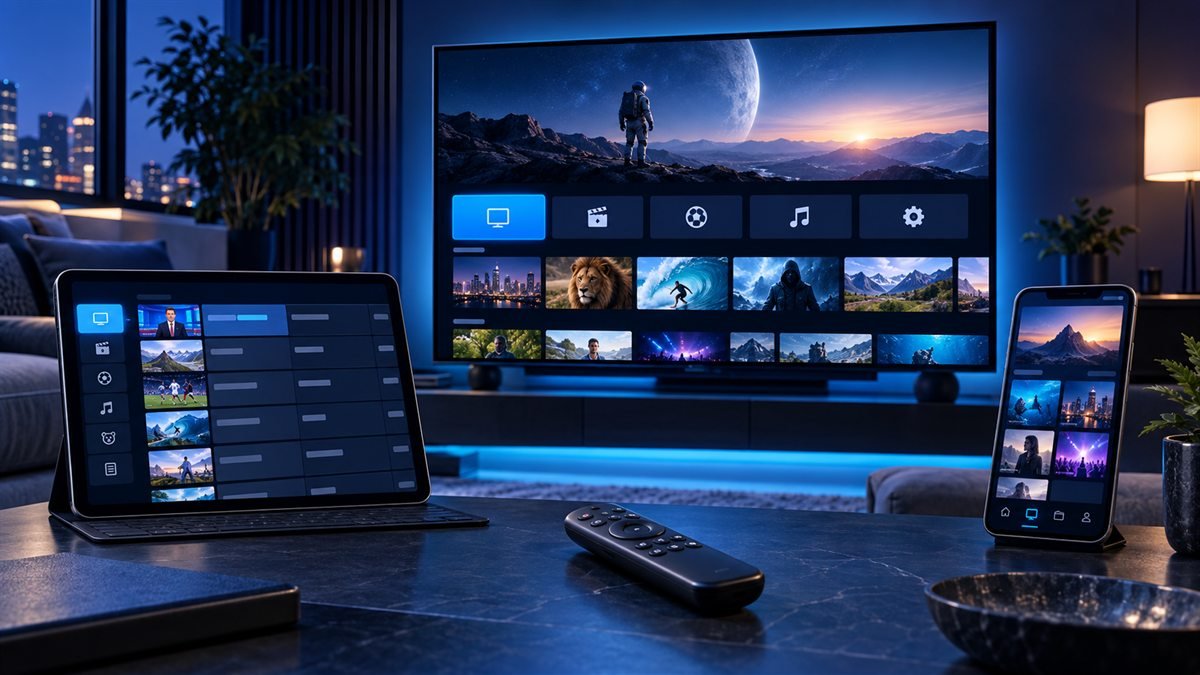
IPTV Smarters Pro and similarly named Smarters applications are media players. They do not include channels, subscriptions, or distribution rights. Because several listings and websites use similar names, the first setup step is verifying the exact publisher and current device-store entry before entering any private account information.
Verify the Smarters App Before Installing
Begin in the official store for the Fire TV, Samsung TV, LG TV, Android TV, phone, or computer. Compare the developer name, support domain, permissions, privacy disclosure, update history, and supported login methods. Avoid an unrelated activation page, anonymous download code, or package copied from a video description.
| Setup item | Confirm | Security rule |
|---|---|---|
| Application | Publisher and supported platform | Use the official store or documented source |
| Login type | M3U or supported server-account format | Match the provider instructions exactly |
| Credentials | Complete address, username, and password | Never publish or reuse them |
| EPG | Included mapping or separate guide source | Check time zone before offsets |
For a broader feature comparison, read the general Smarters guide.
Install Smarters on Fire TV or Smart TV
On Fire TV, search the Amazon Appstore first and verify the listing. If the identified publisher documents a different route for the exact device, check the domain and package identity before proceeding. Keep Fire OS updated and confirm adequate free storage.
On Samsung Tizen or LG webOS, use the television's official store and confirm support for the model year and region. On Google TV or Android TV, select a remote-friendly television version from Google Play. The Fire TV page and Smart TV page provide compatibility checks.
Add Account Details and Load the Playlist
Select the login type supplied by the authorized service. Enter the complete address and credentials without spaces before or after each field. Use a profile label that does not contain the password, then wait for live, on-demand, and guide data to finish synchronizing.
If using an M3U URL, treat the entire link as a credential because it can include account information. Follow the M3U playlist guide and never paste the link into a public testing website.
Configure the EPG, Player and Controls
Confirm the device clock and time zone, refresh the guide, and inspect the last update before changing an offset. Create a small favorites group and test captions, audio tracks, aspect ratio, external-player settings, parental controls, and remote navigation.
Leave decoder and buffer options at their defaults until a repeatable symptom is isolated. Record working settings before applying a major app update or clearing application data.
Fix Smarters Login and Playback Errors
For an invalid-details error, verify the login method, protocol, capitalization, account status, server address, and simultaneous-connection limit. For an empty guide, troubleshoot EPG data separately from video. For black video or no sound, test another authorized item before changing a decoder.
Restart the application and device, then compare Ethernet with Wi-Fi. The login checklist, EPG guide, and black-screen guide provide symptom-specific steps.
Frequently Asked Questions
Does IPTV Smarters Pro supply television channels?
No. It is player software. Users must supply authorized media access in a supported format.
Which Smarters app should I install?
Use the listing linked by the verified publisher or available in the official store for the exact device. Compare the developer identity, not only the app name.
Why does the app say invalid details?
Check the selected login method, complete address, protocol, capitalization, account status, and connection allowance without sharing the credentials publicly.
Why is the EPG one hour early or late?
Confirm the device time zone and guide source before applying an offset. Incorrect device time can shift the complete schedule.
Should I clear app data when playback fails?
Not first. Clearing data removes the profile. Restart, test another item, check the network, and record current settings before rebuilding.
Can I use one account on several devices?
Only within the service's documented simultaneous-connection allowance. Installed apps and concurrent playback are not always counted the same way.
#iptv smarters pro #iptv smarters pro setup #iptv smarters firestick #iptv smarters 2026 #best iptv app firestick
Related IPTV Guides
- Best IPTV Player Apps 2026: TiviMate vs Smarters vs ImPlayer Compared — Which IPTV player app is the best in 2026? We compare TiviMate, IPTV Smarters Pro, ImPlayer Pro, STBEmu, and more — with ratings, pros and cons.
- How to Watch IPTV on Roku in 2026: Safe Options & Limits — A current Roku guide that prioritizes authorized Channel Store apps, supported casting or mirroring, credential safety, and realistic platform limitations.
- IPTV on Android TV & Google TV: Complete Setup Guide 2026 — Android TV and Google TV support IPTV natively via TiviMate, IPTV Smarters, and ImPlayer. Here's the complete 2026 setup guide for Nvidia Shield, Chromecast, and smart TVs.