Player Guides
Best IPTV Player Apps 2026: TiviMate vs Smarters vs ImPlayer Compared
Which IPTV player app is the best in 2026? We compare TiviMate, IPTV Smarters Pro, ImPlayer Pro, STBEmu, and more — with ratings, pros and cons.
By Marcus Reid · Published · Updated · 4 min read
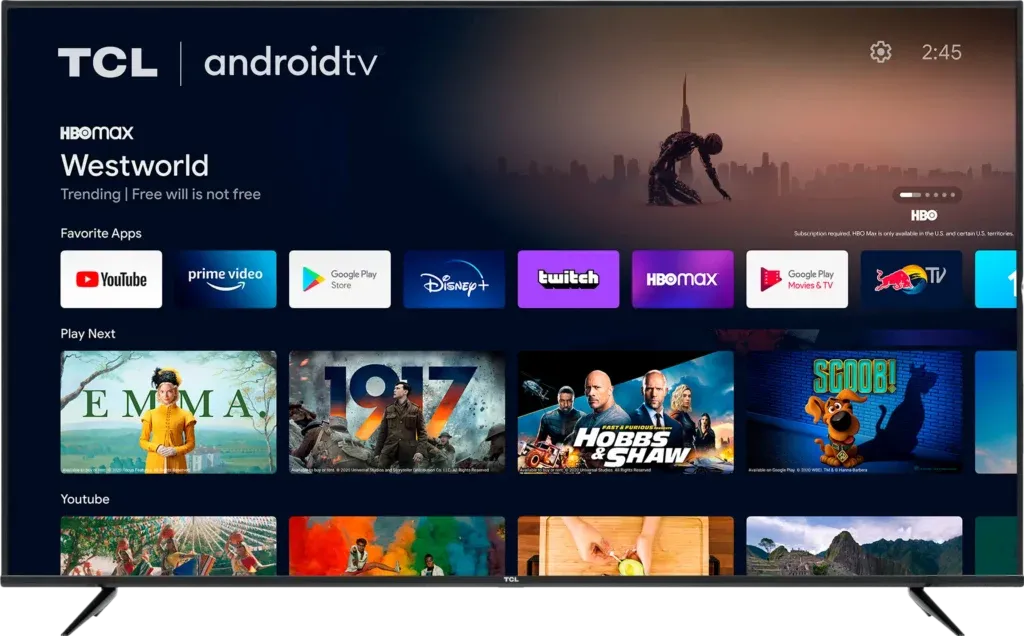
The Best IPTV Player Apps in 2026
The IPTV player app you choose determines your entire streaming experience — channel switching speed, EPG quality, video performance, and ease of use all depend on the player, not just your IPTV provider. In 2026, there are five apps that genuinely stand out. Here's our detailed comparison.
Top 5 IPTV Player Apps Compared
| App | Platform | Price | Rating | Best For |
|---|---|---|---|---|
| TiviMate | Android TV, Firestick | Free / $5/yr | ⭐⭐⭐⭐⭐ | TV guide style, DVR |
| IPTV Smarters Pro | All devices | Free | ⭐⭐⭐⭐½ | Universal, beginners |
| ImPlayer Pro | Android TV, Firestick | $5.99 one-time | ⭐⭐⭐⭐ | Clean UI, fast |
| STBEmu Pro | Android, Firestick | $2.49 | ⭐⭐⭐⭐ | MAG box emulation |
| GSE Smart IPTV | iOS, Android | Free / $2.99 | ⭐⭐⭐½ | iPhone/iPad users |
TiviMate — Best Overall IPTV Player (Firestick)
Pros: Beautiful TV guide grid layout, fast channel switching, DVR recording (premium), auto-EPG updates, favorites management, best Firestick performance.
Cons: Android TV/Firestick only — not available on iPhone or Windows.
IPTV Smarters Pro — Best Free IPTV Player
Pros: Works on every platform (Android, iOS, Windows, Firestick), supports Xtream Codes API and M3U, excellent VOD interface, completely free.
Cons: Less polished UI than TiviMate, occasional buffering on slower connections.
ImPlayer Pro — Best Clean UI
Pros: Fastest channel switching of any app tested, minimalist interface, no ads, one-time purchase price.
Cons: No DVR, EPG can be slow to load, less widely supported than Smarters.
STBEmu Pro — Best for MAG Box Emulation
Pros: Emulates a hardware MAG STB, works with portal-based IPTV subscriptions, fast and lightweight.
Cons: Requires portal URL (not Xtream Codes), less intuitive for beginners.
Which IPTV Player Should You Use?
- Firestick user → TiviMate (install via Downloader) + TiviMate Premium
- iPhone/iPad user → GSE Smart IPTV or IPTV Smarters
- Android phone/tablet → IPTV Smarters Pro or TiviMate
- Windows PC → IPTV Smarters Pro (Windows version)
- Smart TV (Samsung/LG) → Built-in Smart IPTV app
All these apps work perfectly with IPTVBIRD. Get your IPTVBIRD subscription → and choose the player that fits your device.
See Also
- TiviMate Firestick Setup Guide — Full setup guide for the top-rated Firestick player
- IPTV Smarters Pro Setup Guide — Setup the most popular cross-device IPTV player
- Best IPTV for Firestick 2026 — Best IPTV services to pair with your player app
Quick Checklist: IPTV player apps
This guide is designed to help you choose a player that fits the device, login method, viewing habits, and support needs. Use this table before changing a working setup.
| Check | What to review |
|---|---|
| Start With the Viewer, Not the App Store | household viewing habits, remote-control comfort, shared-screen requirements |
| Match the Player to the Login Method | M3U playlists, Xtream-style credentials, portal and MAC workflows |
| Compare the Everyday Viewing Experience | guide navigation, favorites and search, catch-up and recording controls |
| Check Device and Platform Fit | Fire TV and Android TV, phones and tablets, Samsung, LG, and Apple ecosystems |
| Evaluate Playback and Network Behavior | decoder choices, Wi-Fi and Ethernet, buffering diagnosis |
| Review Privacy, Updates, and App Sources | official downloads, permissions and credentials, update history |
Frequently Asked Questions
Which IPTV player is easiest for a beginner?
Choose the player with the clearest television interface on your actual device. Test login, favorites, guide navigation, and recovery after a restart before deciding.
Does an IPTV player include channels?
No. A player is generally the viewing software. Access credentials or a playlist come from a separate service, so evaluate the app and service independently.
Is a paid player automatically better?
Not automatically. Paid features can improve multi-screen layouts, recording, or guide controls, but only a device-based test shows whether those extras matter to your household.
Can one player work on every device?
Platform availability varies. Confirm the current official app listing for each television, streaming device, phone, or tablet you intend to use.
Why does one player buffer while another does not?
Players may use different decoders, buffer sizes, and stream handling. Compare them on the same network and stream before blaming the connection or service.
Should I use M3U or account credentials?
Use the login format supplied and supported by your service. Account-style login can organize guide data conveniently, while M3U can be portable between compatible players.
How should sports viewers test a player?
Test motion-heavy live events, channel switching, audio synchronization, guide accuracy, and recovery after pausing during the hours you normally watch.
What information should I keep private?
Treat playlist links, usernames, passwords, portal addresses, and device identifiers as credentials. Enter them only into trusted apps obtained from official sources.
Related IPTV Guides
Continue with the guide that matches your next setup or buying decision:
#best iptv player apps 2026 #tivimate vs smarters #iptv player apps #best iptv app firestick #implayerpro iptv
Related IPTV Guides
- Fix IPTV Buffering in 2026: Step-by-Step Diagnosis Guide — A symptom-first IPTV buffering guide that separates source, account, app, device, Wi-Fi, router, and internet problems with repeatable tests.
- IPTV Smarters Pro Guide 2026: Safe Setup & Fixes — A current Smarters setup guide covering verified app selection, secure account entry, guide configuration, household controls, and troubleshooting.
- TiviMate Guide 2026: Setup, Playlists, EPG & Fixes — A safety-first TiviMate guide covering verified installation, private playlist entry, EPG setup, favorites, playback tests, and controlled troubleshooting.