Player Guides
IPTV Smarters Pro Guide 2026: Safe Setup & Fixes
Find the cause of Smarters login, category, guide and playback errors with a symptom table and checks that preserve your working profile.
By Marcus Reid · Published · Updated · 3 min read
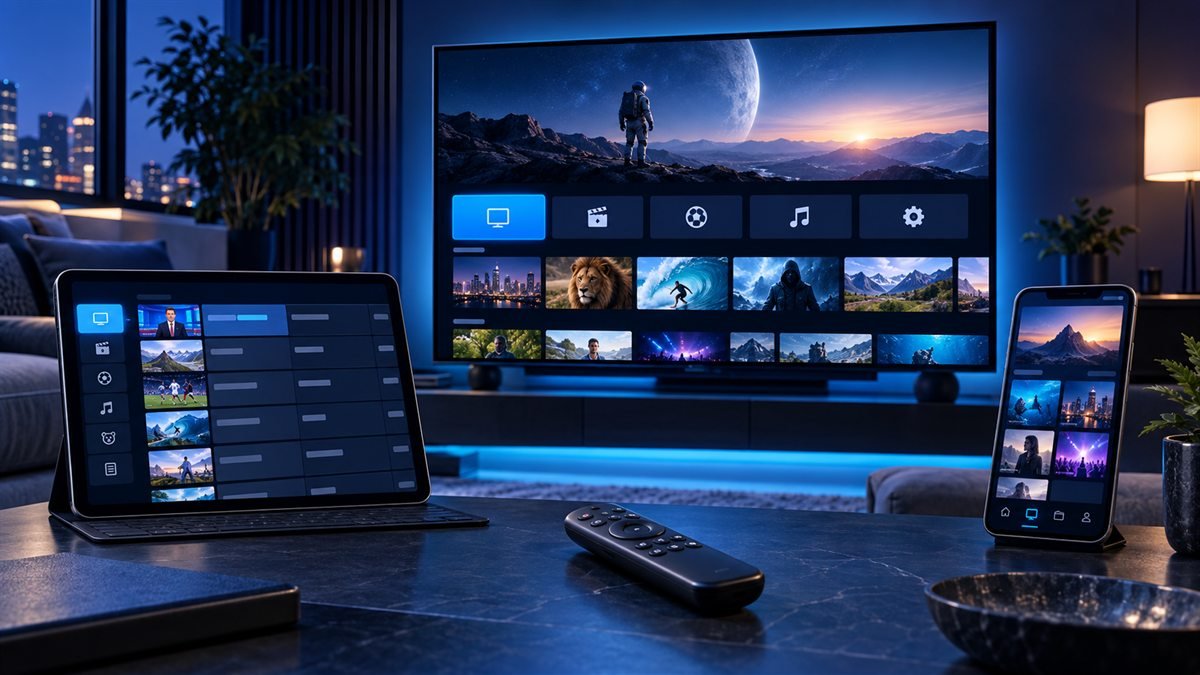
Diagnose Smarters problems by the last successful stage: opening the app, signing in, loading categories, playing video or displaying guide information. Each stage points to different checks. Keep the existing profile until you have recorded the error and protected the account details.
Verify and Install the Correct Smarters App
Begin in the official app store for the television, streaming device, phone, tablet, or computer. Compare the developer identity and current documentation. Avoid an unknown package, activation portal, or download code promoted by an unrelated site.
Confirm the app supports the login format supplied by the authorized media service. Review whether features such as recording, picture-in-picture, casting, or external players depend on the platform or source.
Add Account Details and Configure the Guide
Choose the matching login type and enter the complete address and credentials without extra spaces. Give the profile a recognizable name that does not expose private information. Allow the first synchronization to finish before closing the app.
Check device time and time zone before adjusting the EPG. Build a small favorites group, test captions and audio, and configure parental controls for the household. Keep playlist URLs, passwords, QR codes, and account screenshots private.
Fix Login, EPG, Video and Audio Errors
For login failure, verify capitalization, protocol, subscription status, and the complete server address. For an empty guide, check the refresh and source data separately from playback. For black video or missing sound, test another authorized item and change only one playback option.
Restart the app and device and compare the network before clearing all data. Use the login guide, EPG guide, and black-screen checklist for symptom-specific steps.
Match the symptom to the next useful test
| Symptom | First test |
|---|---|
| Login rejected | Check account status, login format and the complete server address |
| Categories empty | Refresh the account and confirm that the provider supplies those categories |
| Video with no audio | Try another audio track and a stereo output test |
| One channel fails | Compare another channel before changing app settings |
| Guide blank | Inspect EPG source, refresh and mapping separately from video |
Keep a working profile while testing
Write down the app version and error before clearing storage. If the app supports multiple profiles, keep the original while testing a corrected configuration. Close other streams during the test so an account connection limit is not mistaken for a bad password.

Frequently asked questions
Can clearing the cache repair every Smarters error?
No. Cache cleanup can help with stale local data, but it cannot renew an expired account, restore an offline source or fix an incompatible login method.
Why do live channels work while on-demand content fails?
Those categories can have different account entitlements and source formats. Check another title, then confirm the included category with the provider.
Why did my saved login disappear?
Clearing app data, reinstalling or changing device profiles can remove local account details. Restore them through your provider's private support route rather than a public post.
Sources and further reading
Continue with the relevant guide
Check your platform and player route in the IPTV device compatibility hub.
#IPTV Smarters Pro #IPTV Smarters guide #IPTV Smarters setup #IPTV player #Firestick #2026
Related IPTV Guides
- TiviMate Guide 2026: Setup, Playlists, EPG & Fixes — Organize TiviMate playlists, map EPG data, manage favorites, and check the account and storage requirements behind recording, catch-up and multiview.
- XCIPTV Player: Complete Guide, Install & Setup (2026) — Verify the exact XCIPTV edition, enter the supported account format, and check category import, guide synchronization and playback as separate stages.
- IBO Player Setup Guide: Install, Add a Playlist & Troubleshoot — Identify the installed IBO player and its management site, protect the device key, upload a supported playlist, and distinguish app activation from service access.