Setup Guides
How to Watch IPTV on Roku in 2026: Safe Options & Limits
A current Roku guide that prioritizes authorized Channel Store apps, supported casting or mirroring, credential safety, and realistic platform limitations.
By Marcus Reid · Published · Updated · 4 min read
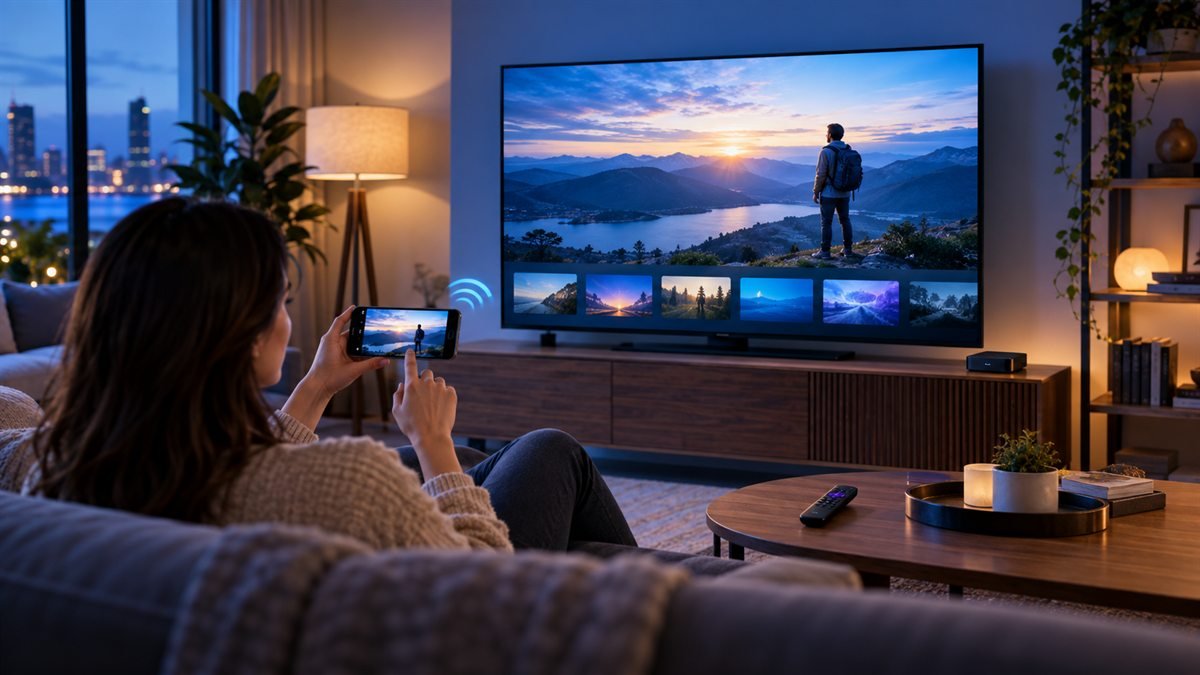
Roku uses its own app platform, so instructions written for Android TV or Fire TV do not automatically apply. The safest path is an official Roku Channel Store app from the authorized content provider. If none exists, casting or screen mirroring may be possible from a compatible phone or computer, but support varies by Roku model and source app.
Avoid copied tutorials
Do not assume an old private channel, developer-mode package, or similarly named app is still supported. Verify the current Channel Store and Roku documentation.
Check for an Official Roku Channel First
Search the Roku Channel Store by the broadcaster or authorized service name. Confirm the developer, privacy details, subscription requirements, region, and supported models before installation. An official channel normally provides the simplest remote, guide, update, and account experience.
| Method | Best use | Main limitation |
|---|---|---|
| Official Roku channel | Supported broadcaster or service | Availability depends on provider and region |
| Cast from supported app | Apps with an official Cast or AirPlay control | The source and Roku model must support it |
| Screen mirror | Temporary compatible-device display | Phone involvement, lag, and format limits |
| Different streaming device | Required player unavailable on Roku | Additional hardware and setup cost |
Distinguish Casting From Screen Mirroring
Casting hands supported playback to the receiving device, while mirroring displays the source device's screen. The controls, battery use, picture behavior, and app restrictions differ. Use the method documented by the source app and Roku model instead of assuming both are interchangeable.
Prepare Roku and the Source Device
Update Roku OS and the source app, place both devices on the appropriate home network, and confirm that discovery or AirPlay settings are available on the exact model. Play authorized content on the phone or computer before attempting to send it to the television.
Protect Playlist and Account Credentials
Do not enter a playlist URL, username, password, or payment details into an unknown Roku channel or activation website. Treat QR codes and device identifiers as private. Reach account portals through the verified provider or app listing rather than a search advertisement.
Test Video, Audio, and Remote Behavior
Check startup time, aspect ratio, captions, audio format, lip synchronization, remote control, phone interruption, and recovery after pausing. Test a longer session on normal Wi-Fi conditions before relying on mirroring for an important live program.
Know When Another Device Is Simpler
If the required authorized player does not have a maintained Roku channel and casting is unreliable, an external device with an official supported app may be clearer. Compare total hardware cost, updates, remote usability, accessibility, and household learning time through the device hub.
Troubleshoot by Layer
For discovery problems, restart the source app and verify network and Roku settings. For entitlement errors, check the authorized service account. For playback faults, test another item and compare the source device alone. Continue with the troubleshooting center, network guide, and player comparison.
Quick Checklist: Roku television setup
This guide is designed to help you choose a supported viewing method without exposing credentials or relying on obsolete private-channel instructions. Use this table before changing a working setup.
| Check | What to review |
|---|---|
| Confirm the Exact Goal | required outcome, viewer and household needs, items that are optional |
| Verify the Primary Source | current official documentation, publisher or broadcaster identity, date and location |
| Check Rights and Terms | content authorization, account conditions, renewal and exit rules |
| Match the Intended Devices | exact model and platform, official app availability, login and accessibility fit |
| Calculate Complete Cost | checkout total, apps and hardware, connections and fees |
| Run a Controlled Test | normal viewing window, one variable per change, recorded result |
Frequently Asked Questions
What should I verify first for Roku television setup?
Start with the operator or publisher, content authorization, exact household need, location, and current official documentation.
Can one Roku television setup answer fit every household?
No. Devices, location, simultaneous viewers, programming, accessibility, technical comfort, and budget change the result.
Why should I avoid relying on an old Roku television setup screenshot?
Prices, rights, apps, interfaces, and terms change. Recheck the live official source on the day you decide.
How should I test Roku television setup?
Use the intended device and network during normal hours, record the result, and change only one variable at a time.
Which details should remain private during Roku television setup?
Keep usernames, passwords, playlist URLs, device keys, QR codes, payment data, and account identifiers out of public messages.
Does a low price prove Roku television setup is good value?
No. Include rights, required content, device fit, connections, apps, hardware, support, renewal, cancellation, and refund conditions.
What if an important Roku television setup claim cannot be confirmed?
Mark it unconfirmed and do not replace missing evidence with a catalog number, badge, anonymous testimonial, or absolute promise.
When should I review Roku television setup again?
Review before renewal and after changes to rights, plans, location, devices, apps, household viewing, or written terms.
Related IPTV Guides
Continue with the guide that matches your next setup or buying decision:
#iptv on roku #roku iptv 2026 #best iptv for roku #iptv roku setup #the channels roku iptv
Related IPTV Guides
- IPTV M3U Playlist Guide 2026: Setup, EPG & Safety — A practical M3U guide covering playlist structure, credential privacy, compatible players, EPG setup, organization, and controlled troubleshooting.
- IPTV on Android TV & Google TV: Complete Setup Guide 2026 — Android TV and Google TV support IPTV natively via TiviMate, IPTV Smarters, and ImPlayer. Here's the complete 2026 setup guide for Nvidia Shield, Chromecast, and smart TVs.
- MAG Box IPTV Setup Guide 2026: Connect & Configure in Minutes — MAG boxes authenticate by MAC address, not a login — which is why so many arrive dead. Full 2026 setup: portal URL, network, EPG, firmware and the errors that actually happen.