Player Guides
TiviMate Guide 2026: Setup, Playlists, EPG & Fixes
Organize TiviMate playlists, map EPG data, manage favorites, and check the account and storage requirements behind recording, catch-up and multiview.
By Marcus Reid · Published · Updated · 3 min read
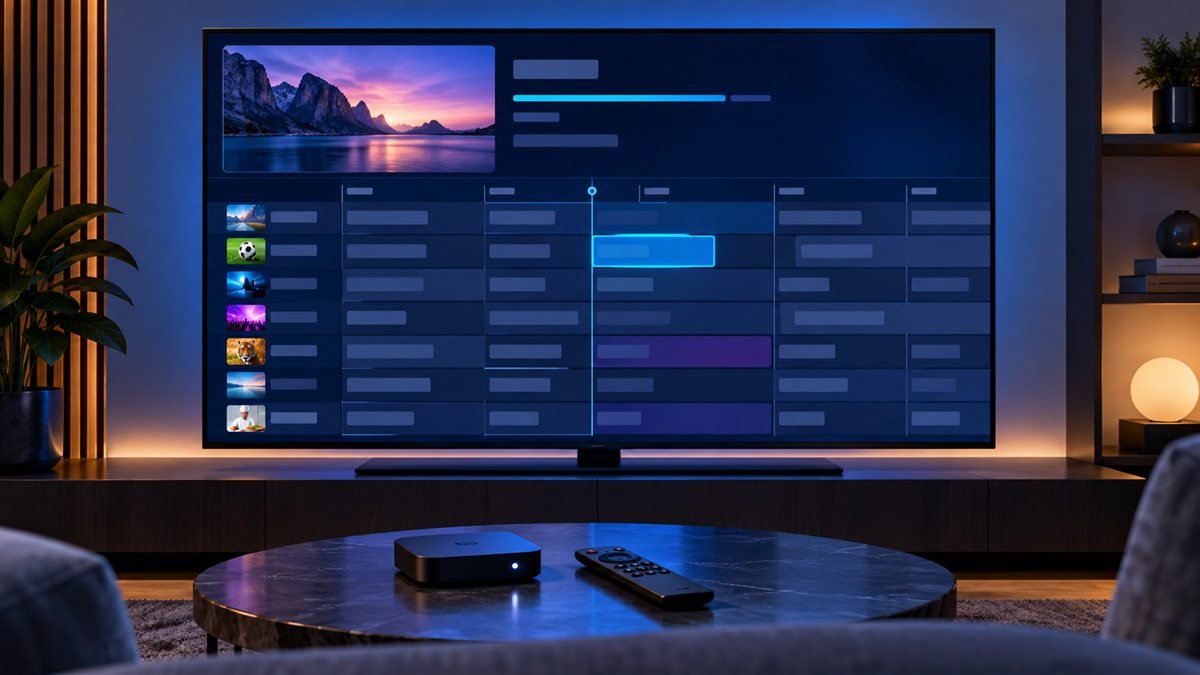
TiviMate is a television-focused player for your own playlists. Once an account imports successfully, the useful next steps are assigning guide data, organizing favorites and checking connection limits for multiview or recording. Installation on Fire TV has a separate walkthrough.
Install the Verified TiviMate App
Use the official store available on the intended Android TV, Google TV, or Fire TV workflow. Compare the app name, publisher, support details, permissions, and update history. Avoid similarly named packages and download codes copied from old tutorials.
Update the device, check free storage, confirm the date and time zone, and keep device security enabled. Review current player licensing on the verified listing instead of relying on an old price screenshot.
Add an Authorized Playlist and EPG
Choose the login method matching the details supplied by the authorized service. Enter the full server address or playlist URL without extra spaces, use a non-secret profile name, and allow the first synchronization to finish. Treat the playlist URL, username, and password as credentials.
Check the device time zone before adjusting guide offsets. Create a small favorites group and test several authorized items before reorganizing categories. The M3U guide explains playlist structure and private handling.
Diagnose Login, Guide and Playback Problems
For a rejected login, check the format, protocol, capitalization, account status, and complete address. For an empty guide, separate EPG data from video playback and check the last refresh. For video trouble, test another item and change one decoder setting at a time.
Compare Ethernet with Wi-Fi and record a working baseline before clearing data or rebuilding the profile. Continue with the troubleshooting center or the dedicated Fire TV setup guide.
Keep playlists and guide sources organized
Give each playlist a recognizable name and check which EPG source is assigned to it. If the guide is blank for only a few channels, inspect their mapping instead of deleting the entire playlist. Hide unused groups after the initial sync so that the daily channel list remains manageable.
Separate player features from source features
| Feature | Dependency to check |
|---|---|
| Program guide | A working EPG feed and matching channel identifiers |
| Catch-up | Source support for the selected program and time |
| Recording | App entitlement, storage access and an available stream |
| Multiview | Player entitlement, device decoding capacity and account connections |
Frequently asked questions
Can I use TiviMate on an iPhone?
The publisher describes TiviMate as an Android TV app, not an iPhone player. Choose a supported iOS app rather than an unofficial app using a similar name.
Will a player update repair a missing provider channel?
Not usually. If the playlist syncs but a required item is absent, confirm the account's catalog with the provider before rebuilding the player.
Why does the wrong program appear on one channel?
The channel may be mapped to the wrong guide identifier. Check that mapping; a global time offset is only appropriate when the schedule is consistently shifted.
Sources and further reading
Continue with the relevant guide
Check your platform and player route in the IPTV device compatibility hub.
#TiviMate #TiviMate guide #TiviMate setup #TiviMate premium #Firestick #Android TV
Related IPTV Guides
- XCIPTV Player: Complete Guide, Install & Setup (2026) — Verify the exact XCIPTV edition, enter the supported account format, and check category import, guide synchronization and playback as separate stages.
- IBO Player Setup Guide: Install, Add a Playlist & Troubleshoot — Identify the installed IBO player and its management site, protect the device key, upload a supported playlist, and distinguish app activation from service access.
- iMPlayer: Complete Guide, Setup & How to Use (2026) — Choose the iMPlayer TV or mobile variant, import a supported account, and check licensing, storage and stream limits before enabling optional features.