Player Guides
XCIPTV Player: Complete Guide, Install & Setup (2026)
Verify the exact XCIPTV edition, enter the supported account format, and check category import, guide synchronization and playback as separate stages.
By Marcus Reid · Published · Updated · 4 min read
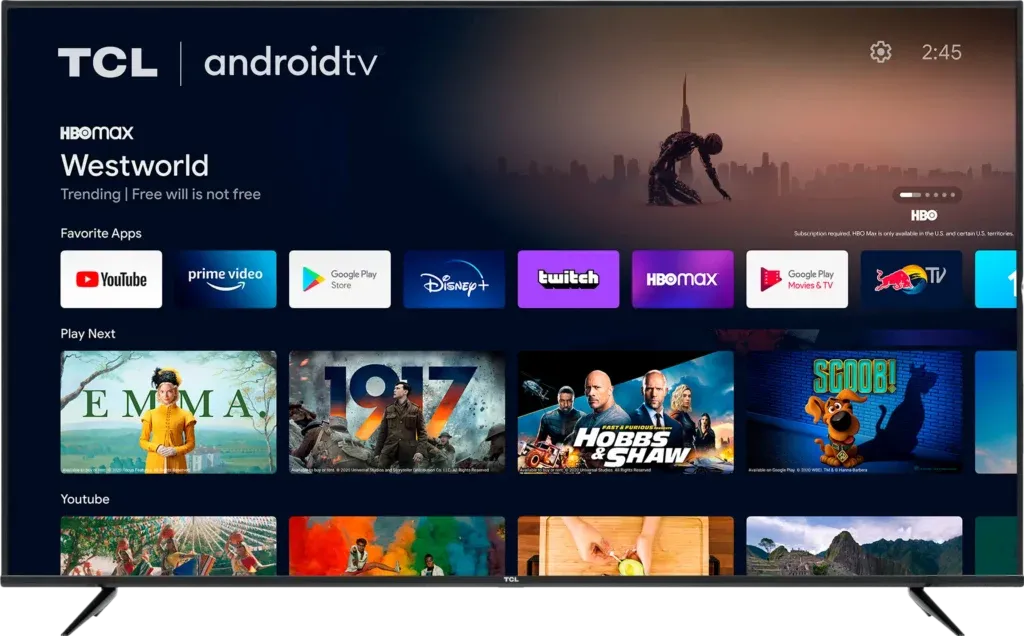
Set up XCIPTV by checking the exact app publisher and supported device, then using the login format supplied for the account. Similar branded or provider-customized apps may use different workflows. Confirm the correct installation and support route before entering private credentials.
Before you begin
- Confirm the app publisher and package listing before installing.
- Keep usernames, passwords, and playlist URLs private.
- Use only content you own or are authorized to view.
- Record the working settings before changing playback options.
What XCIPTV Player Supports
The verified Google Play listing describes built-in ExoPlayer and VLC playback, adaptive HLS streaming, EPG support for compatible account APIs and M3U URLs, favorites, reminders, backup and restore, and scheduled recording. Some functions depend on the supplied source, device permissions, storage, and service capabilities.
| Setup item | What to verify | Why it matters |
|---|---|---|
| App source | OTTRUN publisher and correct package listing | Avoids unofficial copies |
| Device | Android phone, tablet, Android TV, or Google TV | Matches the current official listing |
| Login format | Supported account API or M3U URL | Determines the fields shown |
| Guide data | EPG availability and time zone | Controls schedule accuracy |
Install XCIPTV From a Verified Source
- Open Google Play on the Android or Google TV device.
- Search for XCIPTV Player and verify OTTRUN is shown as publisher.
- Review the current permissions, data-safety information, and update date.
- Install the listing and open it from the device's app library.
Google's Google TV app-installation instructions explain the normal store workflow. Avoid an unknown APK when the supported store version is available.
Add a Supported Playlist or Account
- Choose the login type that matches the details supplied by the authorized service.
- Enter the full server address or playlist URL exactly, including the protocol.
- Enter the username and password privately and give the profile a recognizable name.
- Allow the first synchronization to complete before closing the app.
If the service does not identify the required login method, ask it before trying random formats. Never paste credentials into public support posts or unverified web portals.
Configure the Guide, Favorites, and Playback
Confirm the device time zone before judging EPG accuracy. Create a small favorites group and test several authorized streams. Leave the default built-in player selected initially; only compare another built-in option when a repeatable video or audio fault remains on a stable network.
Fix Login, Guide, or Playback Problems
- Login rejected: check capitalization, spaces, account status, and the complete server address.
- Empty guide: refresh the EPG, verify device time, and confirm guide data is supplied.
- Video fails: test a second authorized stream, restart the app, and compare its built-in players.
- Buffering: test Ethernet or move closer to the router before changing several app settings.
- Missing recording: review storage permission, free space, and whether the source permits the feature.
Protect Credentials and Keep the App Current
Treat the playlist URL as a password because it may contain account information. Install updates through the same verified store listing, review permission changes, and remove old device profiles you no longer use. XCIPTV does not grant rights to media; content authorization remains the viewer's responsibility.
Identify the app before entering an account
Record the app name, publisher and version shown on the installed device. A provider-branded edition may require that provider's own support instructions. Do not assume every application with a similar interface uses the same server field or accepts the same playlist formats.
Check imports and playback as separate stages
- Use the account form requested by the verified app.
- Preserve the supplied server protocol, port and credential spelling.
- Allow category and guide synchronization to finish.
- Test more than one item before changing settings.
- Record the exact error if only one category or source fails.
Frequently asked questions
Why do two XCIPTV-branded apps behave differently?
The publisher or provider may distribute different editions and configurations. Check the exact app and the instructions supplied for your account.
Do saved credentials prove the account is active?
No. A locally saved profile can remain after an account expires. Confirm status through the provider's private support route.
What if only the guide is empty?
Check guide synchronization, time zone and mapping separately. A working video stream does not guarantee that schedule data is available.
Sources and further reading
Continue with the relevant guide
Check your platform and player route in the IPTV device compatibility hub.
#XCIPTV #XCIPTV player #XCIPTV guide #XCIPTV setup #IPTV player #Firestick
Related IPTV Guides
- IBO Player Setup Guide: Install, Add a Playlist & Troubleshoot — Identify the installed IBO player and its management site, protect the device key, upload a supported playlist, and distinguish app activation from service access.
- iMPlayer: Complete Guide, Setup & How to Use (2026) — Choose the iMPlayer TV or mobile variant, import a supported account, and check licensing, storage and stream limits before enabling optional features.
- Best IPTV Player Apps 2026: TiviMate vs Smarters vs ImPlayer Compared — Compare TiviMate, Smarters, iMPlayer, STBEmu and VLC by supported devices, account formats, guide controls and daily usability, with publisher references.