Player Guides
IBO Player Setup Guide: Install, Add a Playlist & Troubleshoot
Identify the installed IBO player and its management site, protect the device key, upload a supported playlist, and distinguish app activation from service access.
By Marcus Reid · Published · Updated · 4 min read
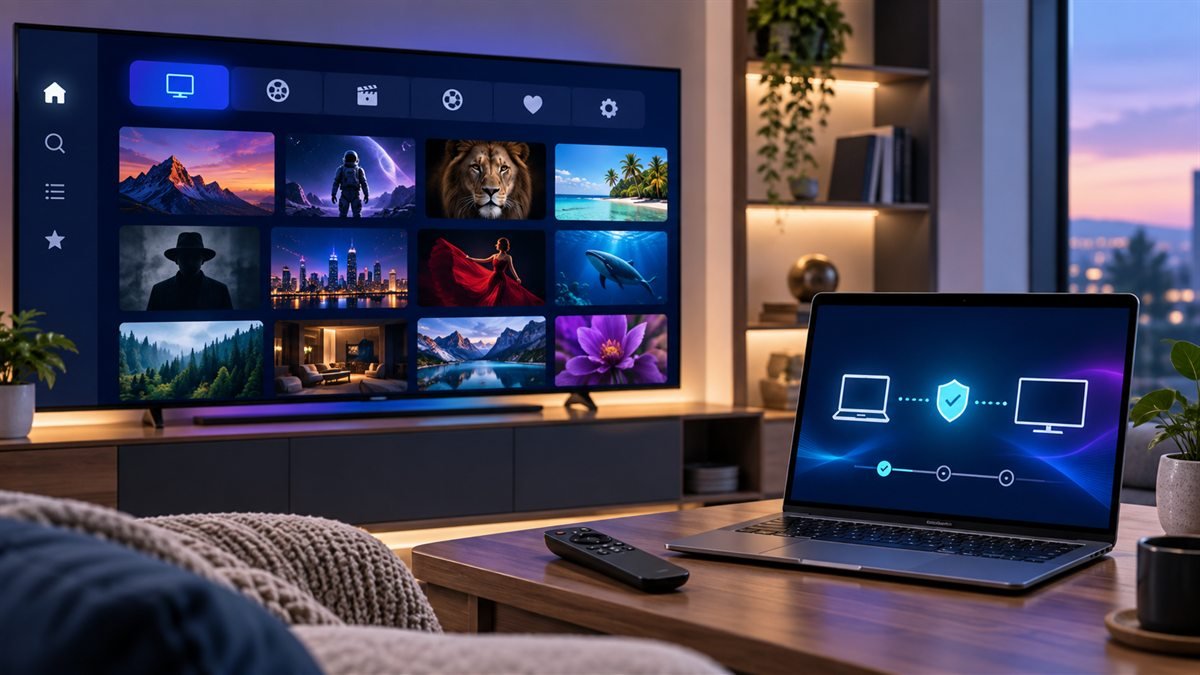
For an IBO-branded player, verify the exact installed app and the management site named inside it before adding a playlist. A device key can grant access to playlist management, so treat it as private. Player activation and the television account are separate purchases.
Protect the setup
Treat playlist URLs, usernames, passwords, device keys, and identifiers as credentials. Use only a verified player site or official device store.
Confirm Which IBO Player You Are Installing
Several similarly named apps and websites appear online. Begin with the app already listed by the device's official store, compare its publisher and support domain, and review its permissions. The IBO Player download page currently lists Android, Windows, macOS, and Linux downloads and states its legal-use conditions.
| Setup field | What to verify | Keep private? |
|---|---|---|
| App | Name, publisher, store, and support domain | No |
| Device key | Shown inside the verified app | Yes |
| Playlist URL | Issued by an authorized media source | Yes |
| License | Current price, period, and device scope | Receipt details |
Install From a Trusted Source
Prefer the official app store for the exact television, phone, or computer. If the identified developer supplies a direct desktop or Android download, verify the domain before downloading and keep device security enabled. Avoid codes or packages copied from unrelated videos and forums.
Add an Authorized Playlist
Choose the login type matching the source's instructions, enter the complete URL or credentials without extra spaces, and give the playlist a non-secret name. If a companion portal is required, reach it from the verified app or developer site rather than a search advertisement.
Refresh the Playlist and EPG
After saving, reopen or refresh the app and allow the first synchronization to finish. Confirm the device date and time zone before adjusting guide offsets. Test a small authorized sample and organize favorites only after the source is loading correctly.
Fix a Playlist That Will Not Load
Check the login type, protocol, capitalization, spaces, account status, and network. Determine whether the app cannot reach the source or whether only one item fails. Change one variable, restart, and record the result instead of repeatedly deleting the complete profile.
Diagnose Video and Audio Problems
Test another authorized item, leave default decoding selected initially, and compare Ethernet with Wi-Fi. For missing sound, inspect the television output and supported audio format. Use the black-screen guide or no-sound guide for a layered diagnosis.
Maintain the Player Safely
Record the working version and non-secret settings, update through the same trusted source, remove profiles from devices you no longer control, and redact credentials from support screenshots. Compare other choices in the player guide and verify device fit through the device hub.
Resolve app identity before using a management portal
Several apps use similar IBO names. Open the account or information screen of the installed app, check its developer listing and follow the management route identified there. Do not infer a site's identity from its logo, a search advert or a link supplied by an unrelated reseller.
Add and verify the playlist privately
- Record the device ID and key without publishing them.
- Open the management site linked by that exact publisher.
- Add only the supported playlist or account format.
- Restart or refresh the TV app using its instructions.
- Test playback before making any separate player-license payment.
Frequently asked questions
Does activating the player renew the television account?
No. The player license and the content account may be billed by different parties. Check which product a payment covers.
Why does the playlist appear on the website but not the TV?
Confirm the device ID, management account and refresh process for the installed app. Also check whether the playlist itself is still active.
Can I share my device key to ask for help?
Treat it as an access credential. Use the verified publisher or provider's private support channel and redact it from public screenshots.
Sources and further reading
Continue with the relevant guide
#IBO Player #IBO Pro Player #IBO Player activation #IBO Player setup #Smart TV IPTV
Related IPTV Guides
- iMPlayer: Complete Guide, Setup & How to Use (2026) — Choose the iMPlayer TV or mobile variant, import a supported account, and check licensing, storage and stream limits before enabling optional features.
- Best IPTV Player Apps 2026: TiviMate vs Smarters vs ImPlayer Compared — Compare TiviMate, Smarters, iMPlayer, STBEmu and VLC by supported devices, account formats, guide controls and daily usability, with publisher references.
- IPTV Smarters Pro Guide 2026: Safe Setup & Fixes — Find the cause of Smarters login, category, guide and playback errors with a symptom table and checks that preserve your working profile.