Setup Guides
Best IPTV for Firestick 2026: Apps, Setup & Safety
A Fire TV buyer guide for checking service rights, app compatibility, login formats, household needs, network readiness, privacy, and total cost.
By Marcus Reid · Published · Updated · 4 min read
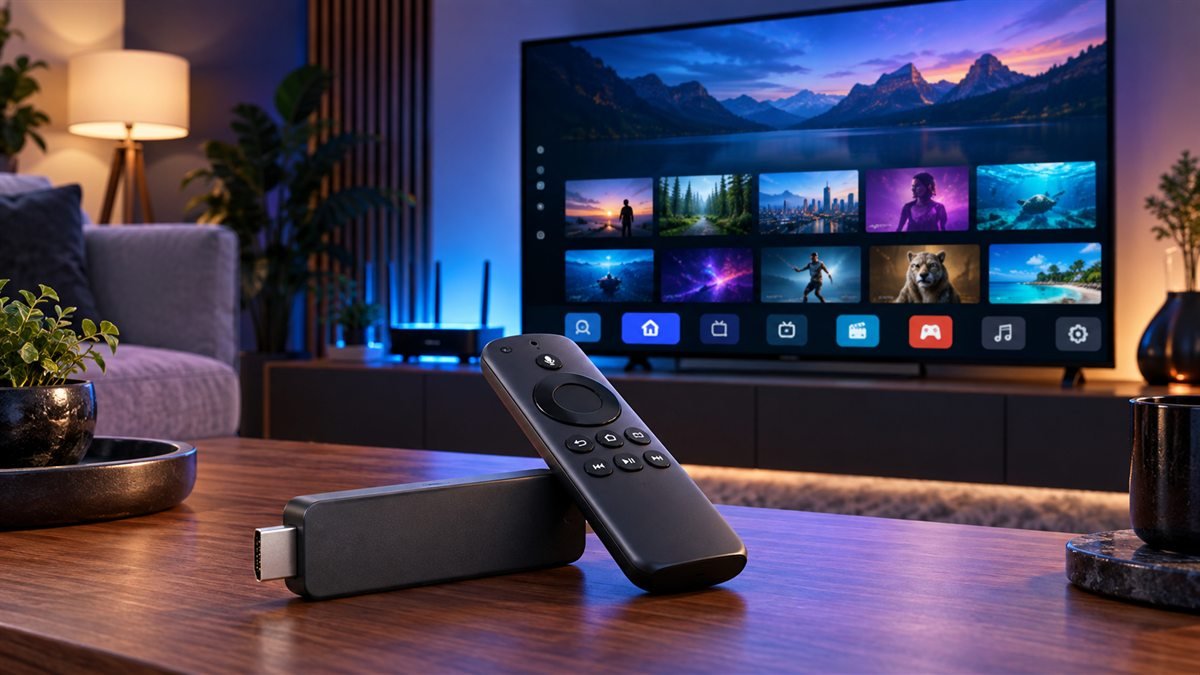
The best IPTV choice for a Fire TV device depends on authorized programming, the exact Fire TV model, app availability, login format, household controls, simultaneous viewing, support, and complete cost. No service or player is automatically best for every Firestick household.
Confirm the Service Before Choosing the Player
List required local, sports, news, language, subtitle, and accessibility content. Ask the service to confirm authorization and availability for the viewer's location. Record the supplied login format because it determines which compatible player workflow is relevant.
Check operator identity, live checkout price, duration, connection allowance, renewal, cancellation, and refund conditions. Use the provider checklist before entering payment details.
Match the App to the Fire TV Device
Identify the exact Fire TV Stick or television model, Fire OS version, free storage, remote, display, audio, and accessibility needs. Prefer an official app-store listing. If another installation method is required, verify the developer and source and keep device protections enabled.
Compare players by supported login method, EPG, favorites, captions, parental controls, recording requirements, and update history. The player comparison and Fire TV compatibility page help narrow the options.
Test Network, Privacy and Daily Use
Test one main device during normal viewing hours. Compare Ethernet through a compatible adapter when practical, or check Wi-Fi placement and household congestion. Record startup, guide loading, channel changes, audio, captions, and restart recovery.
Keep playlist URLs, usernames, passwords, QR codes, and device identifiers private. Redact support screenshots. If TiviMate is the selected player, continue with the TiviMate Firestick walkthrough.
Quick Checklist: IPTV on Fire TV devices
This guide is designed to help you match the service, app, login format, Fire TV model, network, and household controls before subscribing. Use this table before changing a working setup.
| Check | What to review |
|---|---|
| Confirm the Exact Goal | required outcome, viewer and household needs, items that are optional |
| Verify the Primary Source | current official documentation, publisher or broadcaster identity, date and location |
| Check Rights and Terms | content authorization, account conditions, renewal and exit rules |
| Match the Intended Devices | exact model and platform, official app availability, login and accessibility fit |
| Calculate Complete Cost | checkout total, apps and hardware, connections and fees |
| Run a Controlled Test | normal viewing window, one variable per change, recorded result |
Frequently Asked Questions
What should I verify first for IPTV on Fire TV devices?
Start with the operator or publisher, content authorization, exact household need, location, and current official documentation.
Can one IPTV on Fire TV devices answer fit every household?
No. Devices, location, simultaneous viewers, programming, accessibility, technical comfort, and budget change the result.
Why should I avoid relying on an old IPTV on Fire TV devices screenshot?
Prices, rights, apps, interfaces, and terms change. Recheck the live official source on the day you decide.
How should I test IPTV on Fire TV devices?
Use the intended device and network during normal hours, record the result, and change only one variable at a time.
Which details should remain private during IPTV on Fire TV devices?
Keep usernames, passwords, playlist URLs, device keys, QR codes, payment data, and account identifiers out of public messages.
Does a low price prove IPTV on Fire TV devices is good value?
No. Include rights, required content, device fit, connections, apps, hardware, support, renewal, cancellation, and refund conditions.
What if an important IPTV on Fire TV devices claim cannot be confirmed?
Mark it unconfirmed and do not replace missing evidence with a catalog number, badge, anonymous testimonial, or absolute promise.
When should I review IPTV on Fire TV devices again?
Review before renewal and after changes to rights, plans, location, devices, apps, household viewing, or written terms.
Related IPTV Guides
Continue with the guide that matches your next setup or buying decision:
#iptv firestick #best iptv for firestick #firestick iptv setup #iptv smarters firestick #4k iptv firestick usa
Related IPTV Guides
- TiviMate Firestick Setup Guide 2026: Safe Steps — A Fire TV-focused TiviMate walkthrough covering device preparation, verified installation, private playlist entry, EPG setup, controls, and fixes.
- IPTV Smarters Pro Setup Guide 2026: Firestick & Smart TV — A device-focused Smarters setup guide for Fire TV and Smart TV, including publisher verification, secure login, EPG settings, household controls, and fixes.
- How to Watch IPTV on Roku in 2026: Safe Options & Limits — A current Roku guide that prioritizes authorized Channel Store apps, supported casting or mirroring, credential safety, and realistic platform limitations.