Player Guides
iMPlayer: Complete Guide, Setup & How to Use (2026)
Choose the iMPlayer TV or mobile variant, import a supported account, and check licensing, storage and stream limits before enabling optional features.
By Marcus Reid · Published · Updated · 4 min read
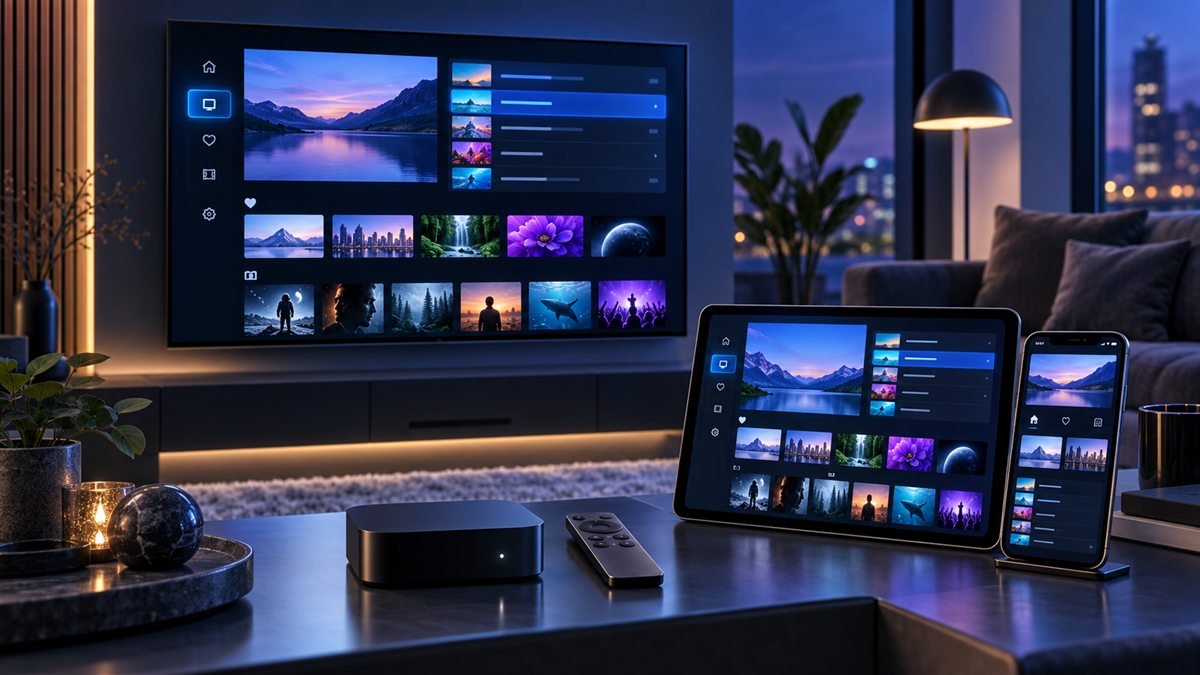
Choose the iMPlayer version intended for your screen, install it from the publisher's current route and import a supported account. Television and mobile interfaces have different controls. Check the current license terms before assuming a feature or device entitlement is included.
Safe setup rules
- Download only from links reached through the official iMPlayer site or a verified app store.
- Use media you own or are authorized to access.
- Keep playlist URLs, usernames, and passwords private.
- Test one device before paying for a larger device allowance.
What iMPlayer Is and Is Not
The official iMPlayer site describes live TV, video-on-demand, EPG, recording, downloads, and cloud management features. Feature availability can depend on the operating system, source, storage, and license. The official help center also makes clear that the player supplies no content.
| Decision | What to confirm | Common mistake |
|---|---|---|
| Platform | Exact device appears on the current official site | Assuming every smart-TV system is supported |
| Playlist | Login format is supported by the player | Entering details into an unofficial portal |
| License | Current device count and terms | Relying on an old price screenshot |
| Features | Source and device support the feature | Assuming recording or catch-up is universal |
Install iMPlayer on a Supported Device
- Start at the official website and select the download route for your platform.
- Verify the app name and publisher in the destination store.
- Review current pricing, device limits, permissions, and renewal terms.
- Install the app, open it, and keep any device identifier private.
For a television setup, update the operating system first and confirm there is enough free storage for app data and guide downloads.
Add an Authorized Playlist Safely
- Choose the playlist or account type matching the details supplied by the authorized service.
- Enter the complete address, username, and password without extra spaces.
- Name the playlist by household or device rather than exposing account details.
- Wait for the initial data load, then confirm a small sample of authorized content.
Do not share screenshots containing URLs, QR codes, credentials, or device identifiers. If a field is unclear, consult iMPlayer documentation and the service that issued the login rather than guessing.
Organize the EPG, Favorites, and Profiles
Check the device time zone before adjusting EPG offsets. Create favorites for a small daily list, hide unused categories where appropriate, and test parental controls with a separate profile. Cloud management can simplify multiple devices, but review exactly what is synchronized before making a large change.
Test Playback and Network Stability
Begin with default playback settings. Test several authorized streams at the hours you normally watch, record whether the problem affects one item or the entire playlist, and compare Wi-Fi with Ethernet where possible. A speed test alone does not reveal packet loss, wireless interference, or source-side issues.
Fix Login, Sync, and Playback Errors
- Playlist rejected: verify the login type, full address, capitalization, and account status.
- EPG incorrect: check the device clock, time zone, source data, and last refresh.
- Cloud changes missing: confirm the correct account and device profile, then synchronize again.
- Video or audio failure: test another item and change one decoder option at a time.
- Frequent buffering: compare Ethernet, restart the network path, and note the exact times affected.
Maintain a Reliable Multi-Device Setup
Keep a private record of device names, working app versions, and non-secret configuration choices. Remove devices you no longer control, install updates from official sources, and retest important features after major operating-system changes. Review current license terms on the official site rather than relying on old third-party pricing guides.
Choose the TV or mobile workflow deliberately
Use the publisher's links for the correct platform and form factor. On television, verify remote focus, guide navigation and return-to-playback behavior. On mobile, check touch controls, orientation and how playback behaves when the app moves into the background.
Plan recording and multiple views separately
Before enabling optional playback features, confirm app entitlement, source support, storage access and concurrent-stream limits. Test one stream first. This avoids confusing a license restriction, full storage or an account limit with a broken playlist.
Frequently asked questions
Does an iMPlayer license include a content subscription?
The publisher describes a player product. Confirm the separate source or service account needed to watch your content.
Why is a feature available on one device but not another?
Check the installed variant, current license terms and device capabilities. Do not assume TV and mobile editions expose identical features.
Should I replace the original playlist while testing?
Keep a working configuration or a private backup when supported. Record the error before deleting profiles or clearing app data.
Sources and further reading
Continue with the relevant guide
Check your platform and player route in the IPTV device compatibility hub.
#iMPlayer #ImPlayer #iMPlayer guide #iMPlayer setup #IPTV player #cross-platform
Related IPTV Guides
- MAG Box Portal Not Loading? US Troubleshooting Guide 2026 — Use the portal error stage to check MAG connectivity, address, registration and middleware compatibility before changing firmware or resetting the box.
- Best IPTV Player Apps 2026: TiviMate vs Smarters vs ImPlayer Compared — Compare TiviMate, Smarters, iMPlayer, STBEmu and VLC by supported devices, account formats, guide controls and daily usability, with publisher references.
- IPTV Smarters Pro Guide 2026: Safe Setup & Fixes — Find the cause of Smarters login, category, guide and playback errors with a symptom table and checks that preserve your working profile.