Guides
How to Watch International TV Channels in the USA
Find international television from the USA by exact program, language and viewing rights, then check subtitles, compatible apps and broadcast time zones.
By Marcus Reid · Published · Updated · 4 min read
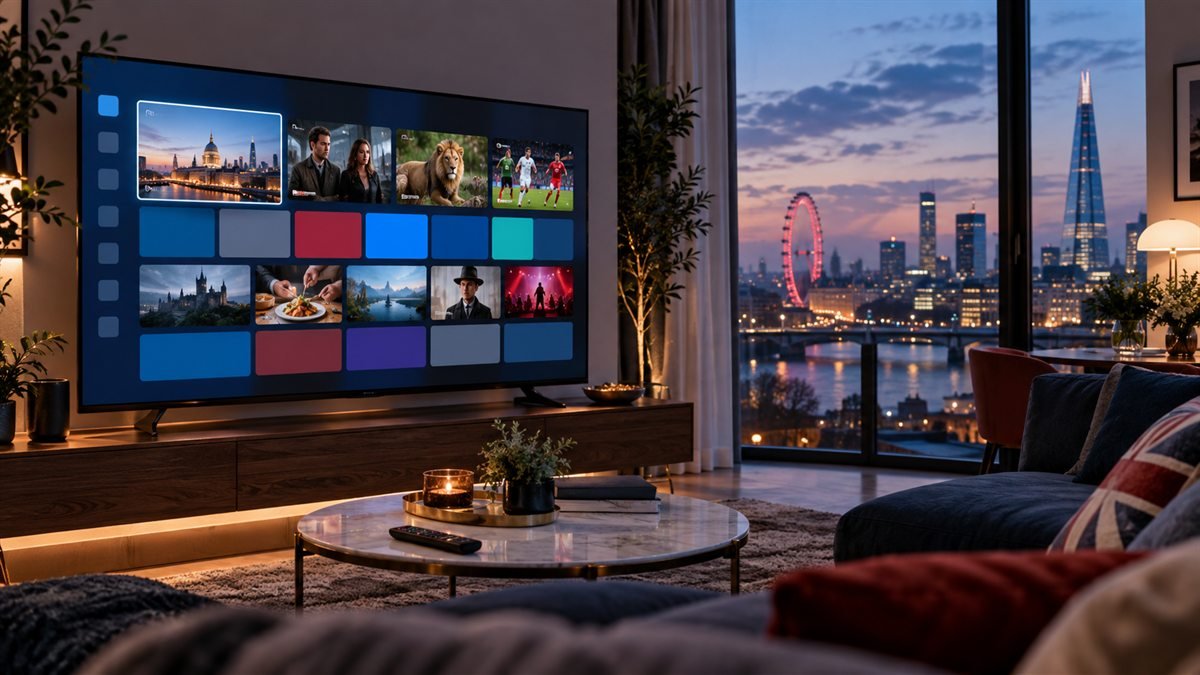
To watch international television in the USA, search for the exact language, channel and program through the broadcaster's official US options. A channel available in its home country may offer a different catalog abroad. Compare live feeds, on-demand episodes, subtitles and compatible television apps separately.
Create a Language and Programming Checklist
List the languages, countries or regions, specific broadcasters or programs, live versus on-demand needs, news, sports, children's content, subtitles, dubbing, audio tracks, accessibility, and simultaneous viewers. Separate required items from optional ones so services can be compared using the same standard.
The international streaming guide provides a household worksheet. Do not treat a flag, category name, screenshot, or old lineup as proof of current availability.
Verify US Rights and Current Availability
| Question | Evidence to check | Reason |
|---|---|---|
| Who distributes it? | Official broadcaster or rights-holder information | Home-country access may differ in the USA |
| Which service? | Current authorized US app or provider | Catalogs and agreements change |
| Which plan? | Live plan and checkout details | Language packs or add-ons may be separate |
| Which devices? | Official device and app-store documentation | Platform support is not universal |
Confirm territorial authorization for the requested programming and keep material answers in writing. The US legal-use guide explains why internet delivery alone does not establish content rights.
Match the App and Device to the Household
Check the exact Smart TV, streaming stick, phone, tablet, or set-top box and its current official app store. Test search in the relevant writing system, remote navigation, captions, audio selection, profiles, parental controls, and casting. A translated sales page does not prove that the app or support team works in that language.
Use the device compatibility hub and choose a maintained application from an identified publisher. If an authorized private M3U playlist is supplied, protect it using the M3U safety workflow.
Configure Time Zones, EPG and Subtitles
International channels may show schedules in another time zone. Set the device clock correctly, identify the EPG source, allow a complete refresh, and check channel mapping before applying an offset. Test subtitle encoding, dubbing, alternate audio, and text display with the actual program types the household watches.
Follow the EPG setup guide when listings are blank, shifted, or attached to the wrong channel. Never expose a private guide or playlist URL in a public screenshot.
Compare Complete Cost and Support
Add the current plan, language pack, taxes, player license, hardware, simultaneous streams, internet changes, renewal price, and cancellation terms. Test the main screen and busiest household viewing hour before making a long commitment.
Record which languages support can actually handle and how account-specific questions are escalated. Use the household screen planner and troubleshooting center for setup evidence.
Search by program and language before buying a bundle
Write the channel's full name and the programs your household follows. Check whether the broadcaster publishes an international service, US distribution partner or official on-demand app. A familiar channel logo in a playlist does not establish that the required program is available in the USA.
| Requirement | Confirm |
|---|---|
| Language | Original audio, dubbing or subtitles |
| Program | Live episode, replay or library access |
| Location | US availability rather than home-country access |
| Device | An app usable with the household's remote |
| Guide | Correct local time and useful program names |
Account for different broadcast time zones
A live channel follows its published schedule even when it is overnight in the USA. If that does not fit the household, check authorized replay or recording options. Guide time should match the intended display time; changing the television clock is not a substitute for configuring the player's time zone.
Frequently asked questions
Will a broadcaster's home-country app work in the USA?
Availability depends on its distribution rights and product terms. Check the official international or US viewing option.
Does an international bundle include every program from that country?
No. Verify the exact programs and language options rather than relying on the country label.
Why does the guide show programs at unusual hours?
The feed may follow another country's schedule, or guide time may be misaligned. Compare the broadcaster schedule and the player's time-zone setting.
Sources and further reading
Continue with the relevant guide
- Compare international viewing methods
- Read the Canada television guide
- Read the France television guide
- Read the Australia television guide
Compare delivery methods and account formats in our IPTV fundamentals and viewing guide.
#watch international channels #arabic channels usa #international iptv channels usa #french tv usa #expat IPTV
Related IPTV Guides
- Best IPTV for Firestick 2026: Apps, Setup & Safety — Compare Fire TV services and players separately, then check model support, account format, remote navigation, storage and simultaneous viewing before subscribing.
- Free IPTV vs Paid IPTV 2026: Safety, Rights & Value — Compare official free ad-supported viewing, broadcaster apps, paid bundles and trial offers by programming, devices, advertising and the remaining household cost.
- Cheapest IPTV Service 2026: Compare Real Cost and Risk — Use a complete-cost worksheet to compare subscription periods, app fees, hardware and missing programs, then choose a sensible first-purchase commitment.