Guides
IPTV vs YouTube TV in 2026: Plans, Rights, Devices & Cost
A fair 2026 comparison of YouTube TV and other internet-delivered television services using current plans, rights, devices, features, and full cost.
By Marcus Reid · Published · Updated · 4 min read
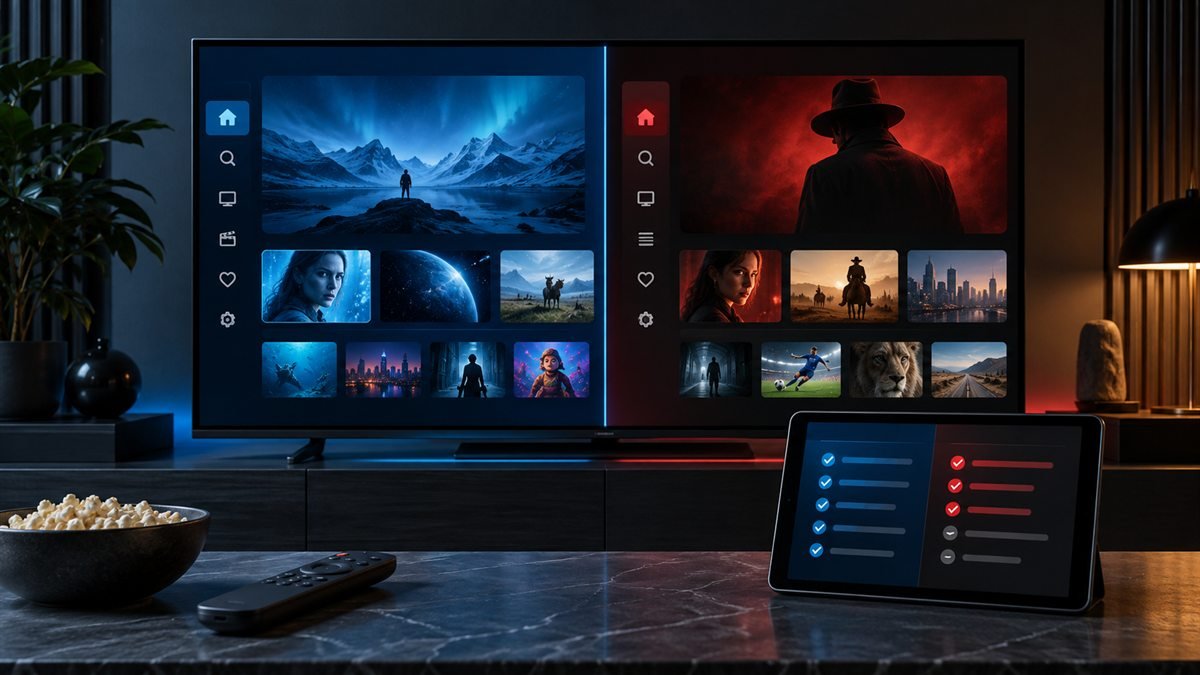
YouTube TV is itself an internet-delivered television service, so “IPTV versus YouTube TV” is not a comparison between two delivery technologies. The useful comparison is between YouTube TV's documented US plans and the specific alternative a household is considering. Rights, local availability, devices, features, support, and total price must be verified for both.
Start With YouTube TV's Current Official Plans
Google's current plan guide says the main plan includes more than 100 channels and that sports, entertainment, news, and family-focused options may also be offered. Plan availability can depend on the billing provider. Check the live signup flow for current pricing rather than relying on an old article.
| Factor | YouTube TV evidence | Alternative-service evidence |
|---|---|---|
| Rights | Official ZIP-aware lineup | Written authorization and availability |
| Price | Live signup and add-ons | Live checkout, fees, and renewal |
| Devices | Official supported-device list | Exact app and login compatibility |
| Streams | Current plan feature description | Written simultaneous-connection limit |
| Exit | Google billing and cancellation help | Terms and refund policy |
Compare Local and National Programming
YouTube TV requests a home ZIP code to determine local availability. Use the resulting official lineup and list the exact stations, sports, languages, and shows needed. Ask the alternative provider to confirm the same content and authorization in writing. Do not compare raw catalog totals.
Review DVR and Household Features
Confirm current DVR retention, family-sharing rules, account-location requirements, simultaneous streams, picture quality, multiview, and add-ons in Google's help pages. For another service, identify whether recording is cloud-based or device-based and whether the player, storage, or extra connection adds cost.
Match the Devices and Travel Rules
List the exact televisions, streaming devices, phones, and tablets. Verify official app availability and accessibility on each. Review home-area and travel requirements for YouTube TV, then compare the alternative's written location and connection rules. A generic multi-device claim is insufficient.
Calculate the Complete Current Cost
Add the selected plan, required add-ons, taxes, hardware, player licenses, connection upgrades, and internet changes. Check promotional end dates and the price that follows. Compare equivalent household needs using the cost-and-value worksheet.
Compare Rights and Commercial Transparency
YouTube TV publishes a local lineup, billing documentation, and plan features through Google. Apply the same standard to any alternative: operator identity, programming authorization, secure checkout, contact route, terms, cancellation, and refunds. Mark missing evidence instead of guessing.
Run an Equal Device Test
Where permitted, test both options on the same device, network, and viewing schedule. Record setup time, navigation, requested content, guide accuracy, captions, audio, motion, startup, and restart recovery. One test describes that setup and time; it does not establish permanent uptime.
Choose by Household Priorities
YouTube TV may suit a household that values its documented US lineup, official apps, cloud features, and Google account integration. Another authorized service may fit different programming, device, or budget needs. Use the comparison methodology and provider checklist before deciding.
Quick Checklist: YouTube TV and alternative-service comparison
This guide is designed to help you compare equivalent rights, lineups, devices, features, complete costs, and exit terms. Use this table before changing a working setup.
| Check | What to review |
|---|---|
| Confirm the Exact Goal | required outcome, viewer and household needs, items that are optional |
| Verify the Primary Source | current official documentation, publisher or broadcaster identity, date and location |
| Check Rights and Terms | content authorization, account conditions, renewal and exit rules |
| Match the Intended Devices | exact model and platform, official app availability, login and accessibility fit |
| Calculate Complete Cost | checkout total, apps and hardware, connections and fees |
| Run a Controlled Test | normal viewing window, one variable per change, recorded result |
Frequently Asked Questions
What should I verify first for YouTube TV and alternative-service comparison?
Start with the operator or publisher, content authorization, exact household need, location, and current official documentation.
Can one YouTube TV and alternative-service comparison answer fit every household?
No. Devices, location, simultaneous viewers, programming, accessibility, technical comfort, and budget change the result.
Why should I avoid relying on an old YouTube TV and alternative-service comparison screenshot?
Prices, rights, apps, interfaces, and terms change. Recheck the live official source on the day you decide.
How should I test YouTube TV and alternative-service comparison?
Use the intended device and network during normal hours, record the result, and change only one variable at a time.
Which details should remain private during YouTube TV and alternative-service comparison?
Keep usernames, passwords, playlist URLs, device keys, QR codes, payment data, and account identifiers out of public messages.
Does a low price prove YouTube TV and alternative-service comparison is good value?
No. Include rights, required content, device fit, connections, apps, hardware, support, renewal, cancellation, and refund conditions.
What if an important YouTube TV and alternative-service comparison claim cannot be confirmed?
Mark it unconfirmed and do not replace missing evidence with a catalog number, badge, anonymous testimonial, or absolute promise.
When should I review YouTube TV and alternative-service comparison again?
Review before renewal and after changes to rights, plans, location, devices, apps, household viewing, or written terms.
Related IPTV Guides
Continue with the guide that matches your next setup or buying decision:
#iptv vs youtube tv #youtube tv alternative 2026 #cancel youtube tv #best alternative to youtube tv #iptv cheaper than youtube tv
Related IPTV Guides
- How to Watch IPTV on Roku in 2026: Safe Options & Limits — A current Roku guide that prioritizes authorized Channel Store apps, supported casting or mirroring, credential safety, and realistic platform limitations.
- IPTV M3U Playlist Guide 2026: Setup, EPG & Safety — A practical M3U guide covering playlist structure, credential privacy, compatible players, EPG setup, organization, and controlled troubleshooting.
- IPTV UK Channels Guide 2026: Rights, Apps & Devices — A practical UK television guide for verifying required channels, territorial availability, official apps, devices, costs, and household viewing needs.